
Tesla Owners: Ever forget to reset your charging limit to 80% after a long drive? I’ve been there too! So, I automated this with Home Assistant. Now, whenever my Tesla is plugged in at home and the charge limit is over 80%, it automatically adjusts to 80% and sends me a notification about it. A small tweak for optimal battery health!

My Home Office Video Meeting Setup
In today’s work-from-home era, a seamless and professional video meeting setup has become an essential part of our daily routine. As remote work becomes more prevalent, it’s a good idea…
Read more
Using variables in triggers in Home Assistant with trigger_variables and templates
In the realm of home automation, Home Assistant stands out for its flexibility and customization capabilities. A common scenario, when working with blueprints, involves using triggers based on input variables.…
Read moreRemember when the EU nearly ditched daylight savings before the pandemic paused everything? As a parent, I know how tough the time change can be on kids. This year, I tried something new based on Matthew Walker’s ‘Why We Sleep’. We gradually shifted our bedtimes and wake-up times by 15 minutes per day (half the circadian rhythm’s adjustment limit) combined with smart bulbs that simulated the sunrise. Result? A completely smooth transition.
Home Assistant’s Condition Selector: A Game Changer for Blueprints
One of the recent introductions to the already versatile Home Assistant ecosystem is the Condition Selector for blueprints. At its core, this feature seems simple, but its implications for blueprint…
Read more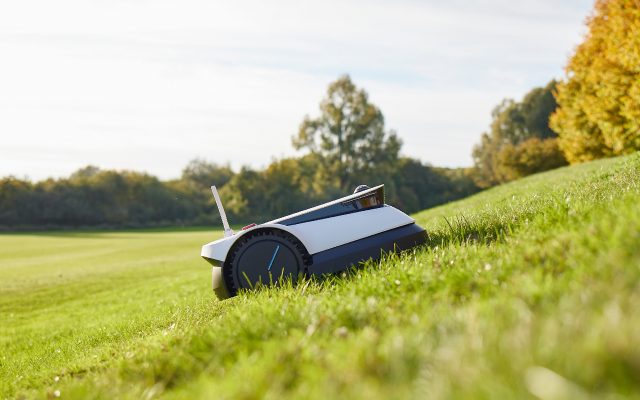
Review: Ecovacs Goat G1
The essence of smart home/gardening technology is to simplify your life, not complicate it. With the recent arrival of robot mowers that don’t require a border wire, I finally felt…
Read more