If you recently upgraded to MacOS Sonoma, you might have noticed the caps lock indicator hovering around your input fields. But there is good news, two quick commands is all it takes to get rid of it – you run them in the terminal. Requires reboot for it to take effect.
sudo mkdir -p /Library/Preferences/FeatureFlags/Domain
sudo /usr/libexec/PlistBuddy -c "Add 'redesigned_text_cursor:Enabled' bool false" /Library/Preferences/FeatureFlags/Domain/UIKit.plistCode language: Bash (bash)
Here are some other posts you may like

Tesla is still working hard on it's first mass market car, namely the Tesla Model 3. For a long time though, we have known that Tesla has also planned a Tesla Model Y. This will be a compact SUV, in other words, a smaller Model X. The Model Y will…

Electric power companies, in general, are pretty much the same. Tibber however, is unlike any electricity company I had seen before. They try to utilise the data we get from smart devices, which they also sell, to save electricity, money and the environment, as well as improving comfort. It’s a…
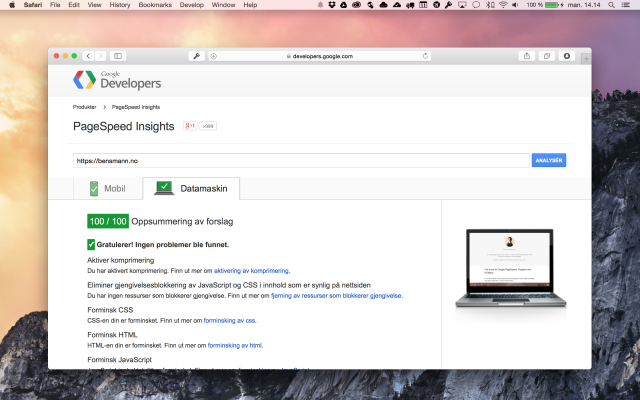
tl;dr… Using Google Webfonts will hurt your score pretty bad, however, PageSpeed forgives you if you do it "right". Recently I started making some changes to my WordPress theme again, giving it a slightly more minimalistic look. Unfortunately this meant that a lot of Google PageSpeed work had to be…