If you recently upgraded to MacOS Sonoma, you might have noticed the caps lock indicator hovering around your input fields. But there is good news, two quick commands is all it takes to get rid of it – you run them in the terminal. Requires reboot for it to take effect.
sudo mkdir -p /Library/Preferences/FeatureFlags/Domain
sudo /usr/libexec/PlistBuddy -c "Add 'redesigned_text_cursor:Enabled' bool false" /Library/Preferences/FeatureFlags/Domain/UIKit.plistCode language: Bash (bash)
Here are some other posts you may like

This is a question I have heard (too) many time. How does one reset the root MySQL password on Ubuntu. In order to make this as simple as possible I created a shell script (you can see it below) that does just that. What does it do? I'm glad you…

Electric power companies, in general, are pretty much the same. Tibber however, is unlike any electricity company I had seen before. They try to utilise the data we get from smart devices, which they also sell, to save electricity, money and the environment, as well as improving comfort. It’s a…
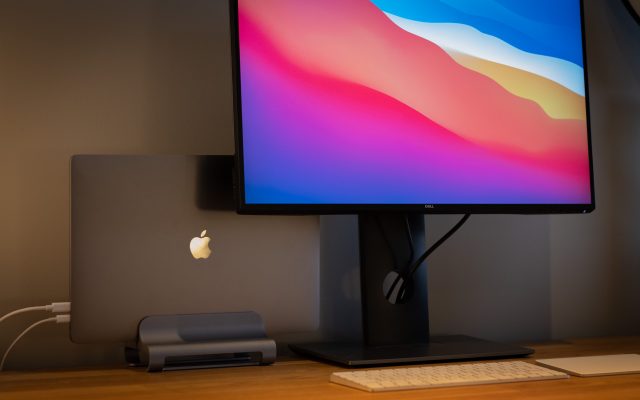
As a web developer, I'm constantly surrounded by technology, code, and designs. In the past, I've experimented with various monitor setups, ranging from dual 27-inch screens to as many as four monitors. While these configurations may have served a purpose at the time, I've come to realize that less is…