If you recently upgraded to MacOS Sonoma, you might have noticed the caps lock indicator hovering around your input fields. But there is good news, two quick commands is all it takes to get rid of it – you run them in the terminal. Requires reboot for it to take effect.
sudo mkdir -p /Library/Preferences/FeatureFlags/Domain
sudo /usr/libexec/PlistBuddy -c "Add 'redesigned_text_cursor:Enabled' bool false" /Library/Preferences/FeatureFlags/Domain/UIKit.plistCode language: Bash (bash)
Here are some other posts you may like

Electric power companies, in general, are pretty much the same. Tibber however, is unlike any electricity company I had seen before. They try to utilise the data we get from smart devices, which they also sell, to save electricity, money and the environment, as well as improving comfort. It’s a…

This summer we decided to do a little experiment. Drive through Europe with our Model X while towing a caravan. This journey took us through Norway, Sweden, Denmark, Germany, Austria and back again for a total distance of more than 6.000 km (3700+ miles). https://www.youtube.com/watch?v=88nsPpSoxqU On this trip we got…
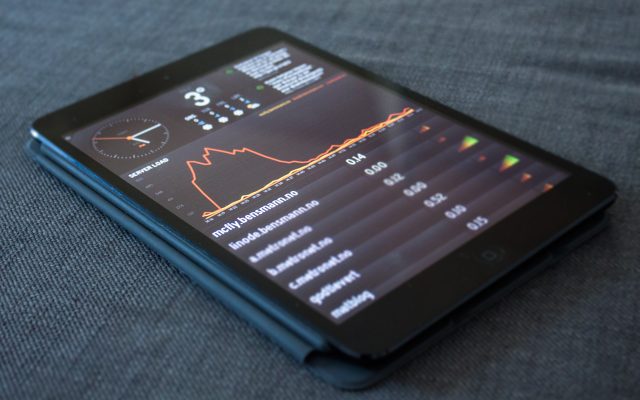
Panic, the company behind apps such as Coda and Transmit, has released a new app called Status Board. This app is in essence a widget hub for your iPad, showcasing cool stuff such as tweets, e-mail, calendar and much more. One of the most awesome things though is the ability…