If you recently upgraded to MacOS Sonoma, you might have noticed the caps lock indicator hovering around your input fields. But there is good news, two quick commands is all it takes to get rid of it – you run them in the terminal. Requires reboot for it to take effect.
sudo mkdir -p /Library/Preferences/FeatureFlags/Domain
sudo /usr/libexec/PlistBuddy -c "Add 'redesigned_text_cursor:Enabled' bool false" /Library/Preferences/FeatureFlags/Domain/UIKit.plistCode language: Bash (bash)
Here are some other posts you may like
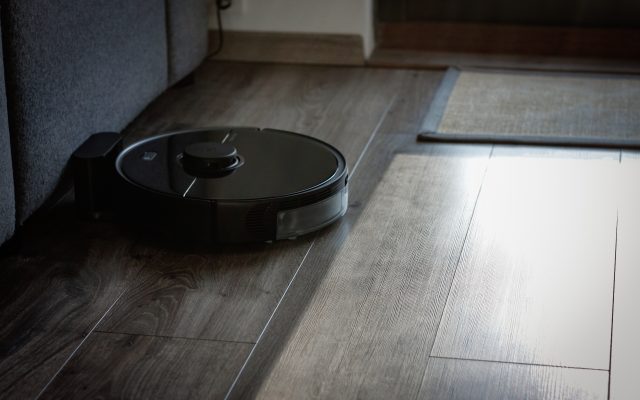
In 2014 I bough our first robot vacuum. It was a Neato XV Signature Pro. This vacuum has been doing it's job faithfully since then, but recently the screen died (for a second time) and it seemed like a good time for an upgrade. Enter, the Roborock S5 Max. Looking…

Electric power companies, in general, are pretty much the same. Tibber however, is unlike any electricity company I had seen before. They try to utilise the data we get from smart devices, which they also sell, to save electricity, money and the environment, as well as improving comfort. It’s a…

Load balancers are incredibly useful when a single server isn't capable of handling the load or if you wan't greater reliability. But what if bandwidth is the limiting factor, what do you do then? And what tools from the Digital Ocean toolbox can you use? In a recent project I…